Submit a lineup
Got a lineup that works every time? Share it. Every submission is reviewed by hand before it shows up in the app, so take the time to frame your screenshots properly.
 Before you submit
30 seconds to read. This is what gets a lineup accepted.
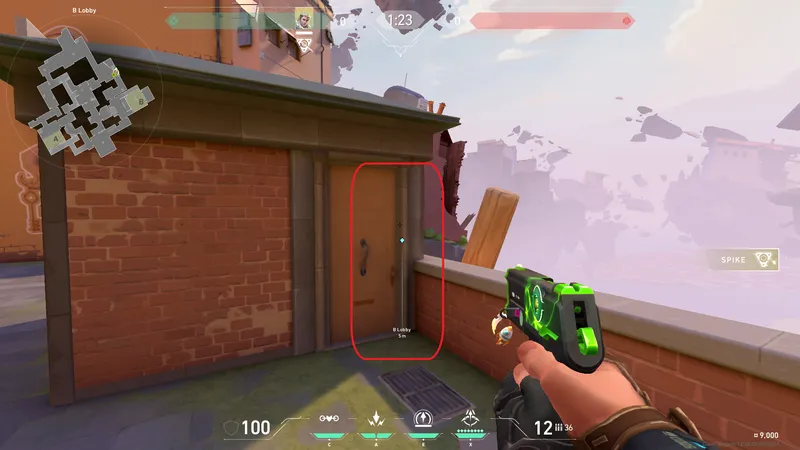
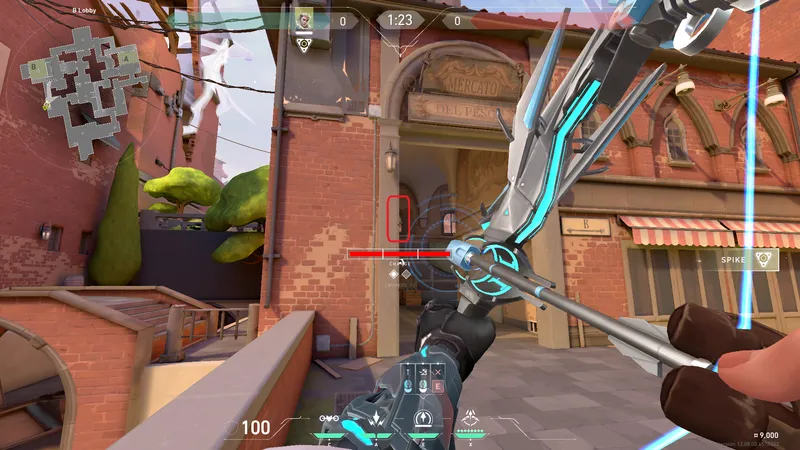
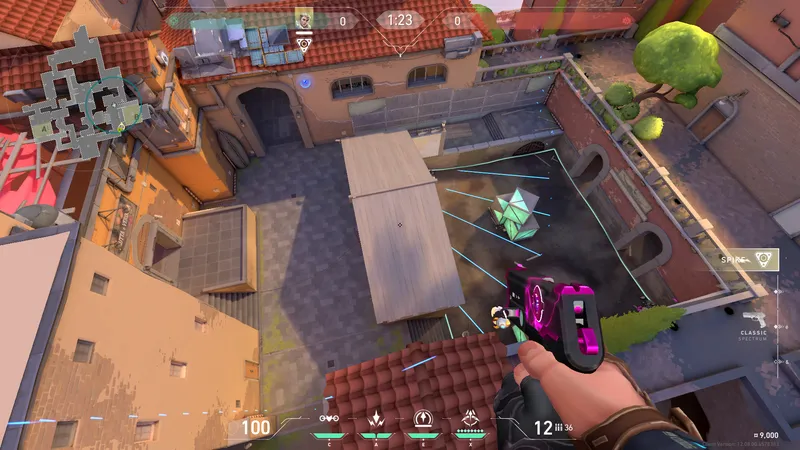
- Take real screenshots on your PC: Print Screen, or Win + Shift + S.
- Keep the whole screen, minimap and HUD included.
- Check what the app is missing before you start. See what's missing
- Photos of your monitor taken with your phone: blurry and slanted, they get rejected.
- A lineup the app already has. Same agent, same map, same spot is a duplicate, and duplicates don't count toward your code.
- Screenshots taken from someone else's video.
3 lineups published = Wingman without ads. Leave your email below: once three of your lineups are in the app, you get a code that removes ads for good. Only published lineups count, not duplicates or rejected ones.
Not sure what to send? See which agent and map pairs are thinnest before you start — you will know your lineup fills a real gap.
See what's missing
Thanks. It goes to review — if it makes the cut, it will appear in the app under your nickname.
You'll get an email as soon as three of your lineups are published.